

Photo booth + committee check, for parties in SG & MY
The party they’ll still talk about on Monday.
Made for weddingsdinner & dancesHari RayaLunar New Yearproduct launches
You bring the guests. CheeseLah runs the photo booth and lets your committee check every photo before anyone sees it. You take the credit. We won’t tell.
Invite-only for now. Organisers sign in; guests never need an account.
Hi, I’m Flash. I only shoot your good side.
Hi, I’m Flash. I only shoot your good side.
1. Describe your event
Office party, 150 guests, fun, but the CEO is watching.
2. Pick a look (try one, the whole page changes)
3. Your frames
A sample screen. The Studio is still being built; today an event uses the frame artwork you upload.
- Weddings
- Dinner & Dance
- Hari Raya
- Deepavali
- Lunar New Year
- Christmas
- Product launches
- Birthdays
- Graduations
- Company retreats
- Baby showers
- Mid-Autumn
- Award nights
- Family days
- Reunions
- Any excuse, really
Event worlds
What are you celebrating?
Pick one and the whole site changes its outfit: the room, the colours, the type, the confetti, even the jokes.
How it works
Snap. Check. Showtime.
If you can send a WhatsApp message, you can run this. (We checked with an uncle.)
- 1
The booth Live today
One big button on a tablet, a phone or a laptop. Countdown, snap, done. Guests make no choices.
Say cheese lah! Duck faces optional.
- 2
The committee check Live today
Every photo waits for a person you trust. They approve or reject it on a phone, one tap each.
Nothing gets past the committee auntie.
- 3
The big screen In the works
Approved photos will star in a show on the big screen. The show itself already runs on a paired display; photos reach it once the AI step is built. Today each guest gets a private link.
He’s fine. He’s on the wall now.


Wall of laughs
Same face. Better story.
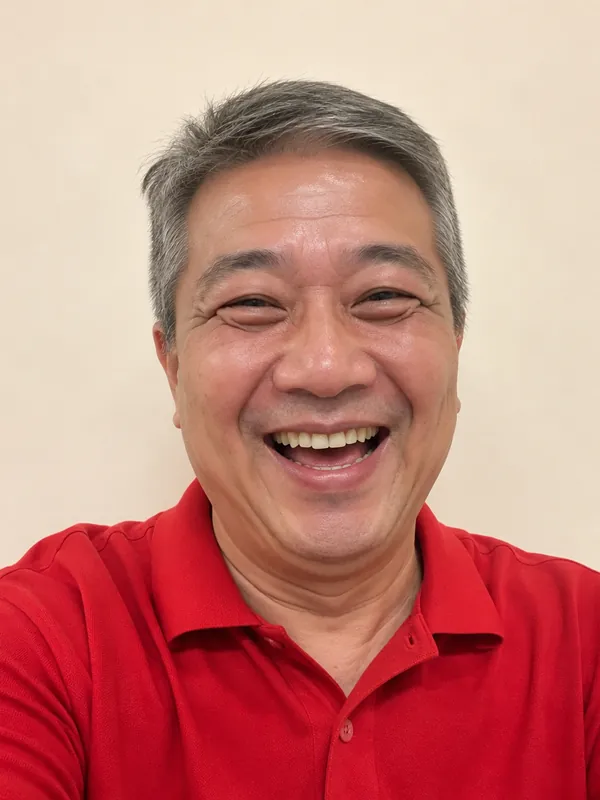
One selfie at the booth, one very silly AI version. Slide to compare, tap for the big screen.
Every guest here was invented by AI for this demo. Your guests’ real photos are never shown here.

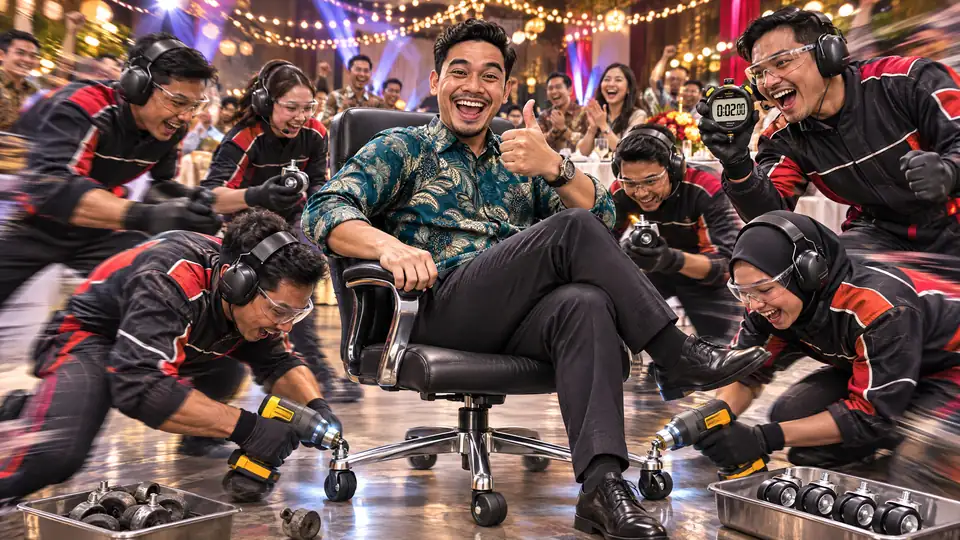
Pit-stop chairCelebration

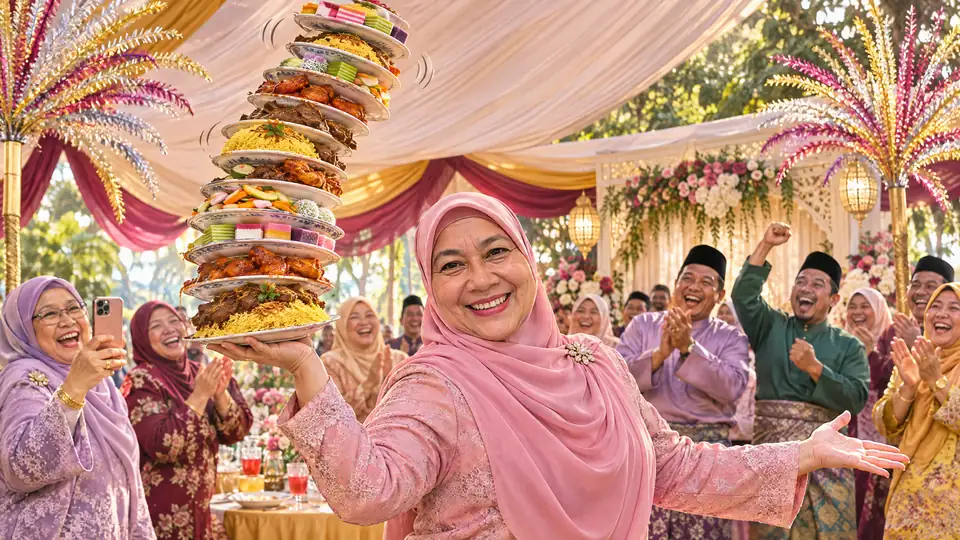
Makan championWedding
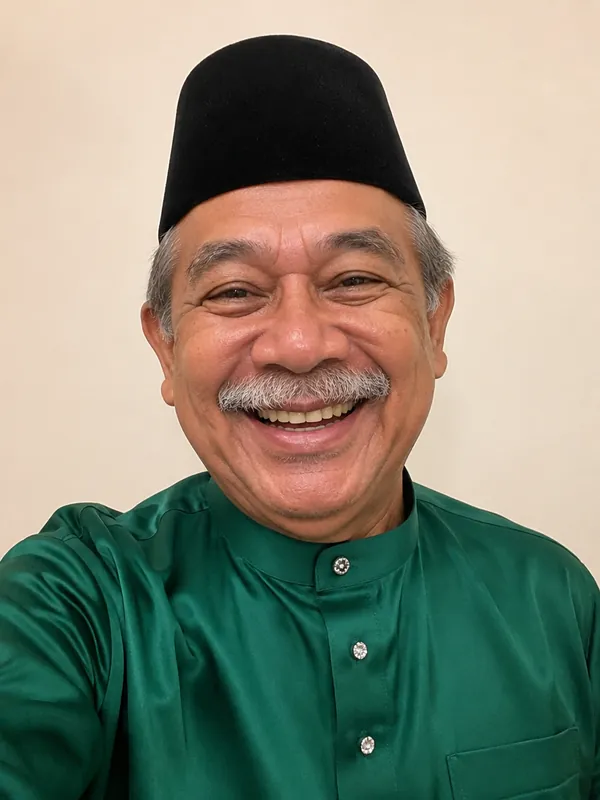
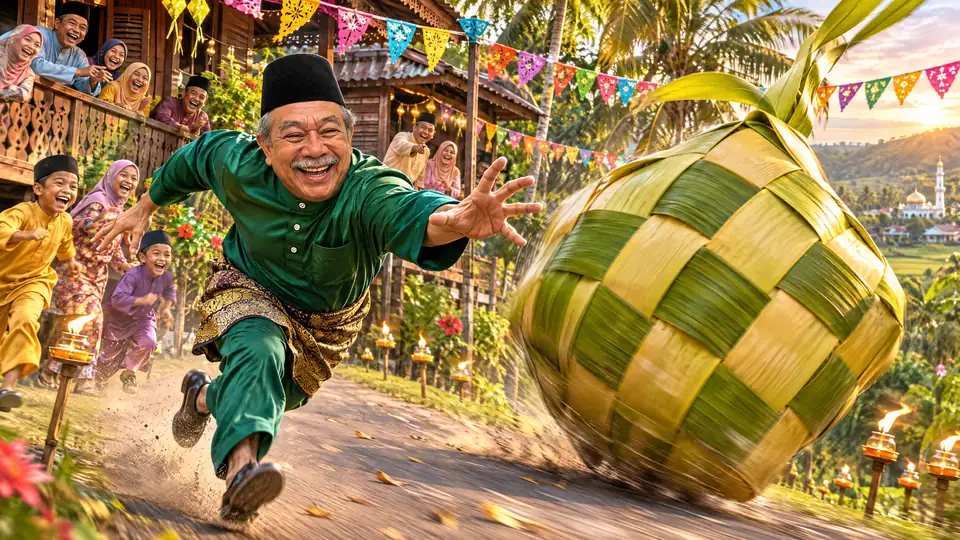
Ketupat chaseHari Raya
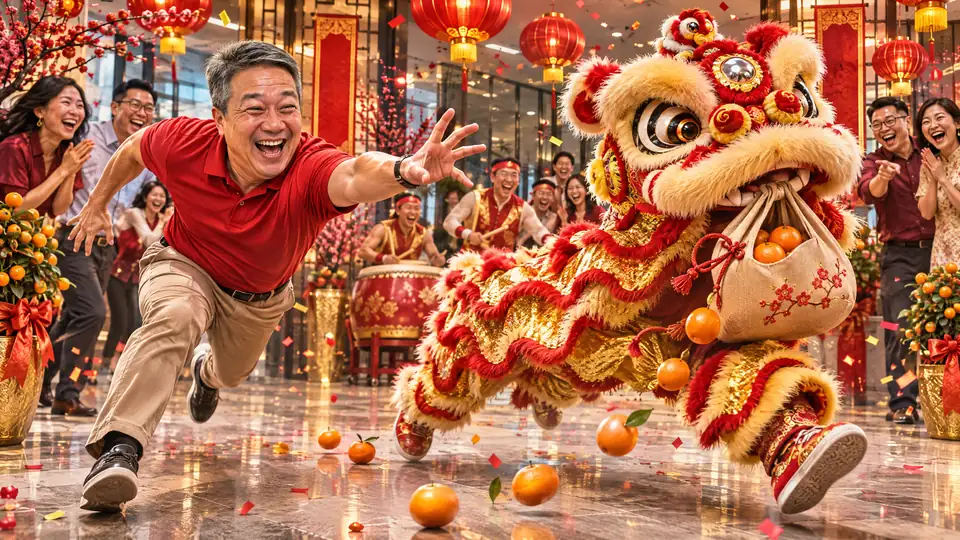
Lion stole my orangesLunar New Year

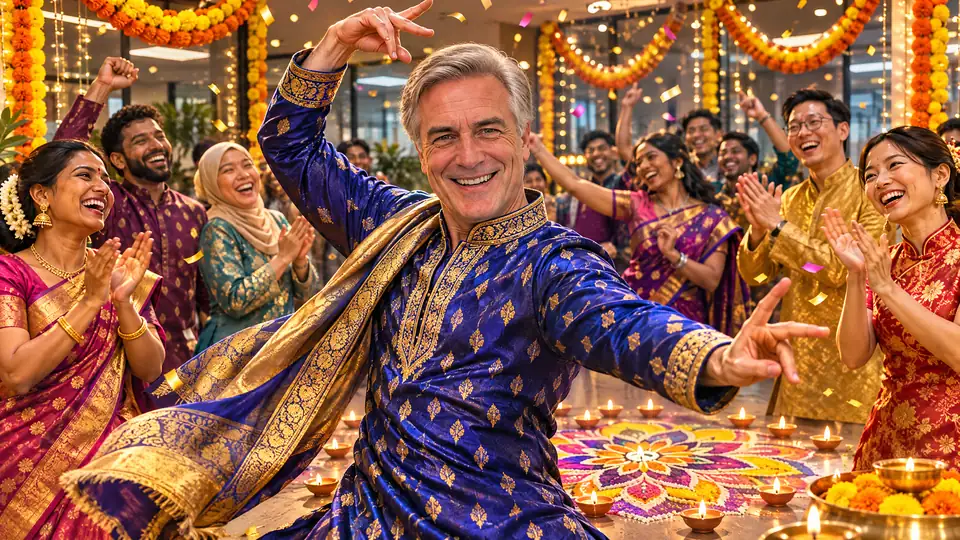
Boss on the dance floorDeepavali

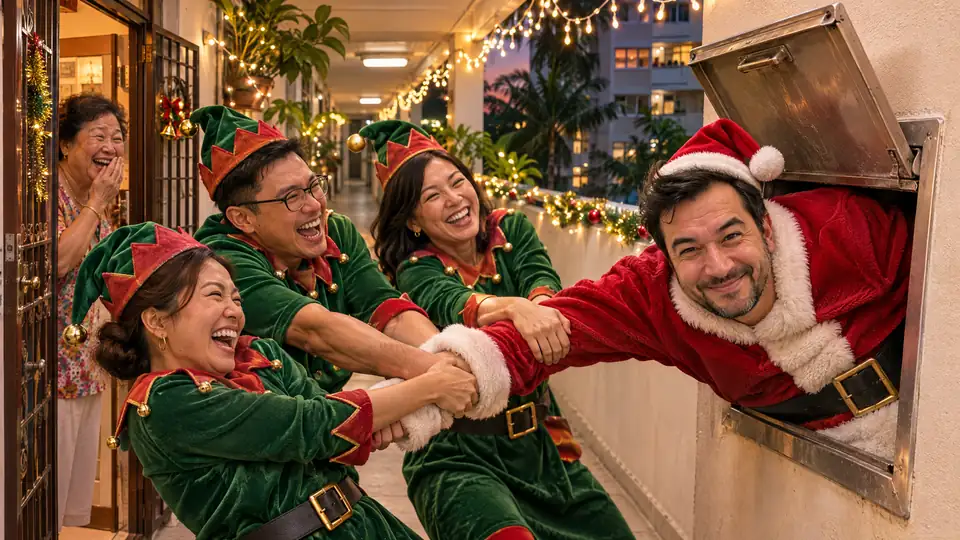
Santa stuck in the chuteChristmas


Cake volcanoBirthday


Launched into orbitGraduation


Keynote for penguinsConference
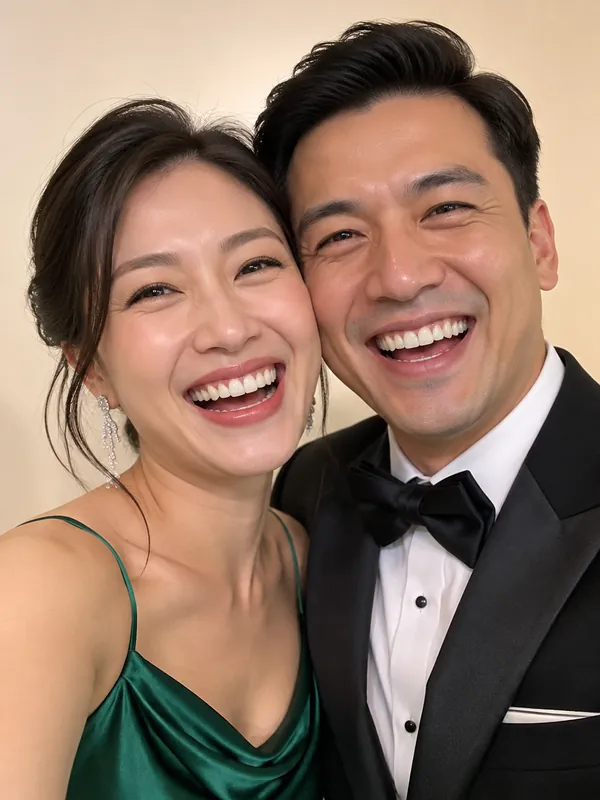
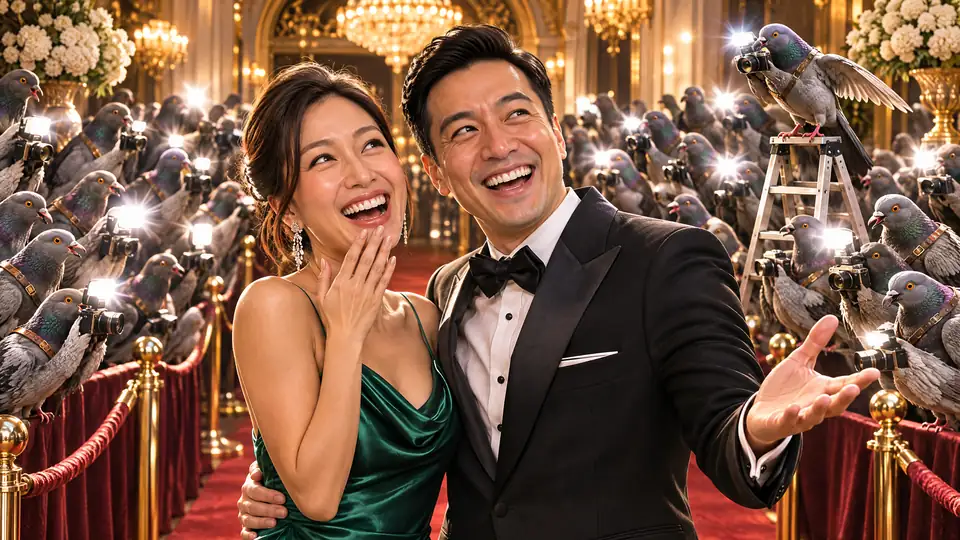
Pigeon paparazziDinner & dance


Daddy jugglingBaby shower


Durian rocket launchProduct launch


What’s in the box
Built for a real party, not a demo.
Six things work today. Two are still on the workbench, and we say so.
- Live today
A booth with one big button
Tap, countdown, snap, look, done. Guests make no choices, so the queue keeps moving and nobody needs instructions.
- Live today
Any camera you have
A tablet, a phone or a laptop. A phone’s back camera works too, mirrored to a TV.
- Live today
Connect a screen by QR
Point a phone at the code on the screen. Connected. No typing long codes.
- Live today
A person approves
Approve or reject from a phone. A rejected photo is hidden from its guest.
- Live today
A private link for every guest
Guests scan a code at the booth and get their own page with their photo. There is no public gallery.
- Live today
Delete means delete
A guest’s link stops working 14 days after the photo is taken. Organisers can delete one photo, or all of them, any time.
- In the works
AI Event Studio
Describe your event in a sentence and get frames, colours and wording designed for it. Being built now.
- In the works
The big-screen show
The show already runs on a paired display with a welcome scene. Guests’ photos join once the AI step is built. A preview is further down.
Two ways to use CheeseLah
Run it yourself. Or put your feet up.
Same booth, same careful photo check. The only question is who presses the buttons.
Do it yourself
You run it
A short guided set-up, then the booth and the photo check are in your committee’s hands. For people who like holding the remote.
- Guided set-up, one step at a time
- Your own committee checks the photos
- Runs on the tablet, phone or laptop you already have
Pricing: ask us.
Start an eventManaged
We run it for you
Our crew sets up and runs the booth and the photo check on the day, in Singapore and Malaysia. You never touch the system. You just turn up looking good.
- We set it up and run it on the day
- We look after the booth and the photo check
- The big screen too, once it is ready
Pricing: ask us.
Start an event


Invite-only for now. Tell us which way you prefer when you start.
Paper props · samples
Props that change colour with the party.
Each prop is drawn once, then recoloured by the world you pick. Try a few on our volunteer. He’s a silhouette. He doesn’t mind.
In the works Props are not in the booth yet. These are samples from the library.
On the head
On the face
Finishing touch
In the air
The big-screen show
In the worksThen the lights go down.
Approved photos will land on the big screen, dressed in your world. The show can already run on a paired display; this is a preview with sample data. Keep scrolling. The curtains are a little shy.
Now showingTable 7 has entered the chat.
- Live todayA human approves everythingAlready true today: only photos your committee approved are cleared for a screen.
- In the worksDressed in your worldThe show will take its colours, type and confetti from the world you picked.
- In the worksA QR worth scanningRounded dots in your colours, on a paper sticker. The one above is a sample.
Trust
Fun on the outside. Careful on the inside.
Party photos are personal. Here is exactly what happens to them today. No small-print voice.
Private by default
Photos sit in private storage. There is no public gallery. A photo only opens through a signed link that expires within minutes.
A person checks first
Nothing is cleared for a big screen until someone on your committee approves it. Reject a photo and it is hidden.
No face recognition
We don’t scan faces, build face profiles or match people across events. It is a rule of the product.
Fourteen days, then the link ends
A guest’s private link stops working 14 days after the photo is taken. Organisers can delete one photo, or every photo, any time before that.
Two-step sign-in for organisers
Every organiser account needs a second sign-in step, and changes to an event are written to an audit log.
Nothing from anyone else
This site loads its fonts, pictures and code from itself only. No ad pixels, no third-party trackers.
No logos to show off and no made-up numbers here. We would rather tell you what the product does.
Questions
Asked at every committee meeting.
What works today?
The photo booth, connecting screens by QR code, the committee check and each guest’s private photo page. The big-screen show runs on a paired display with a welcome scene; guests’ photos reach it once the AI step is built. The AI Event Studio and props in the booth are being built too. Anything not ready is marked “In the works” on this page.
Can anyone sign up?
Yes. “Start an event” lets you sign in with Google or Microsoft and answer four quick questions; we then WhatsApp you before your event goes live.
Do I have to run it myself?
No. You can run it yourself with a guided set-up, or have our crew set up and run it for you on the day, in Singapore and Malaysia. For pricing, ask us.
What do guests need?
Nothing. No app and no account. They tap one button at the booth, then scan a code to get their own photo.
Who can see the photos?
The guest, through their private link; the organisers who check the photos; and people at the event, who see approved AI photos on the big screen. There is no public gallery. The details are in our privacy policy.
How long are photos kept?
A guest’s link works for 14 days after the photo is taken. Organisers can delete photos sooner, one at a time or all at once.
Do you use face recognition?
No. We don’t scan faces or build face profiles. It is a rule of the product.
What equipment do I need?
A tablet, phone or laptop with a camera for the booth, and a phone for whoever checks the photos. A stand helps. Glitter is optional.
Why does the whole site change when I pick a party?
Because your event should not look like everyone else’s. The twelve worlds are a preview of how an event will be themed, from one set of colours, type and motion.
Run it for me
You enjoy the party. We’ll handle the booth.
We can send our crew to set up the booth and the screens, run the committee check on the day, and pack up afterwards. You just enjoy the party.
We set up
Our crew brings the booth and the screens to your venue and gets everything connected.
We run it
We look after the booth and do the committee check, so every photo is looked at by a person before it is shared.
You enjoy
You stay with your guests. When the party ends, we pack up.
Price: ask us. Every party is different.
Hi CheeseLah! 👋 Please run the photo booth at my event. I'll bring the guests, you bring the funny.
We reply faster than your aunty forwards good-morning messages.
Replies: Usually within a few hours, 9am to 9pm.
For events in Singapore and Malaysia. Tell us your date and venue when you message us.

Ready when your guest list is.
Invite-only for now. Can one, lah. Fashionably late guests not included.